
Overview
I2C External Current Sensor. Refer to the product manual for wiring and operating limits.
Revision confirmation is required for the original electrical and configuration references below.
Hardware revision
Check the sensor markings and component layout on your board against the manual and diagrams below.
Setup notes
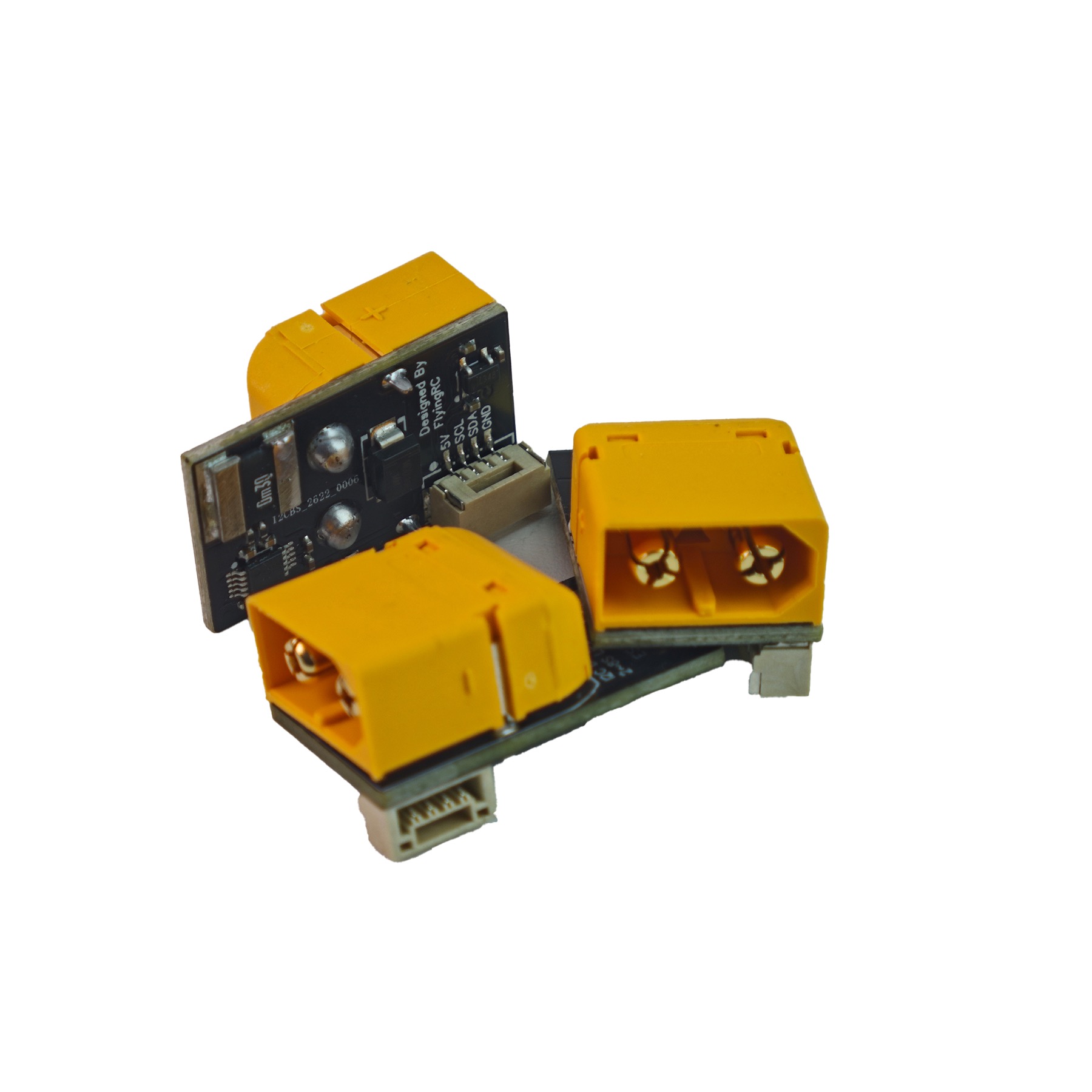
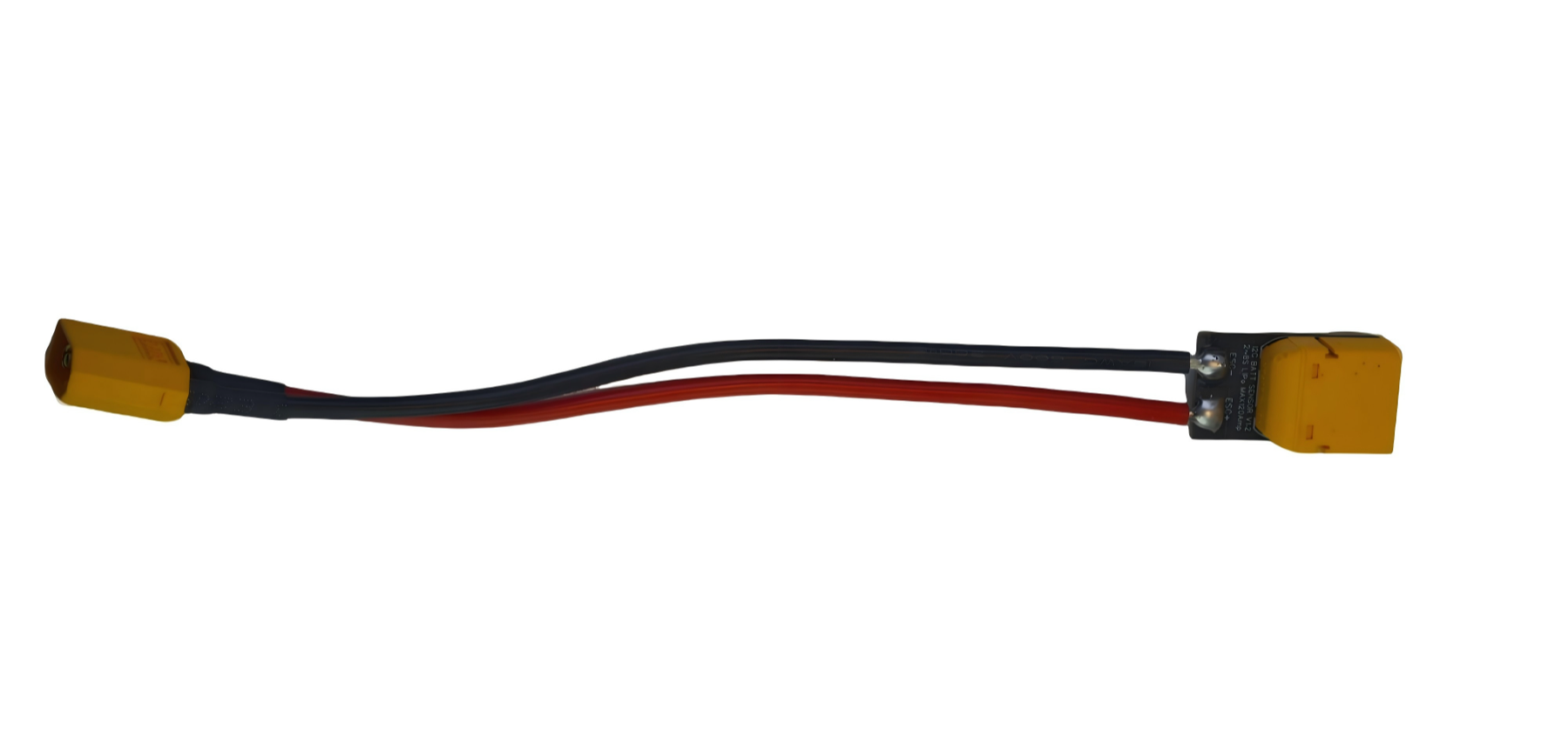
- When soldering XT60 wires, fully insert the connector and avoid touching nearby components with the iron tip.
- Verify I2C bus selection and reboot after each parameter change.
Assembly reference
Photos identify the socket-style unit and soldered XT60 assembly. They are assembly references, not confirmation of electrical limits or firmware parameters.
References awaiting confirmation
The supplied manual contains inconsistent product descriptions. These original current-meter/INA226 references are retained for inspection only; confirm the exact sensor, ratings and parameter procedure with FlyingRC before use. The H7Wlite example is not verified for H7Wlite V2.
Inspect original references — applicability unconfirmed


Manuals & references
Product manualOpen / download