
Overview
A small step-down power module. It converts a higher battery voltage into a regulated lower voltage for receivers, flight-controller accessories, servos, video equipment, or other onboard electronics.
- MP9447 step-down BEC module
- 7-26 V / 2-6S LiPo input range
- Selectable 5 V, 6.2 V, 7.4 V, or 9 V output
Hardware revision
Check the sensor markings and component layout on your board against the manual and diagrams below.
Setup notes
- Solder the included capacitor with correct polarity; long lead is positive and short lead is negative.
- Input voltage must be at least about 0.8 V higher than the selected output voltage.
- Default output is 5 V when no jumper pad is bridged.
- Input: 7-26 V / 2-6S LiPo.
- Size: 28.9 x 17.7 x 5.4 mm.
- Weight: 4.3 g without capacitor, 4.6 g with capacitor.
- Continuous output depends on cooling and voltage: up to 5 A with cooling in lower-voltage modes; 9 V output has lower current margin.
- Do not reverse capacitor polarity.
- Verify jumper voltage before connecting sensitive equipment.
Wiring & pinouts
Compare the supplied reference with the markings and revision of your own unit before use.

Assembly reference
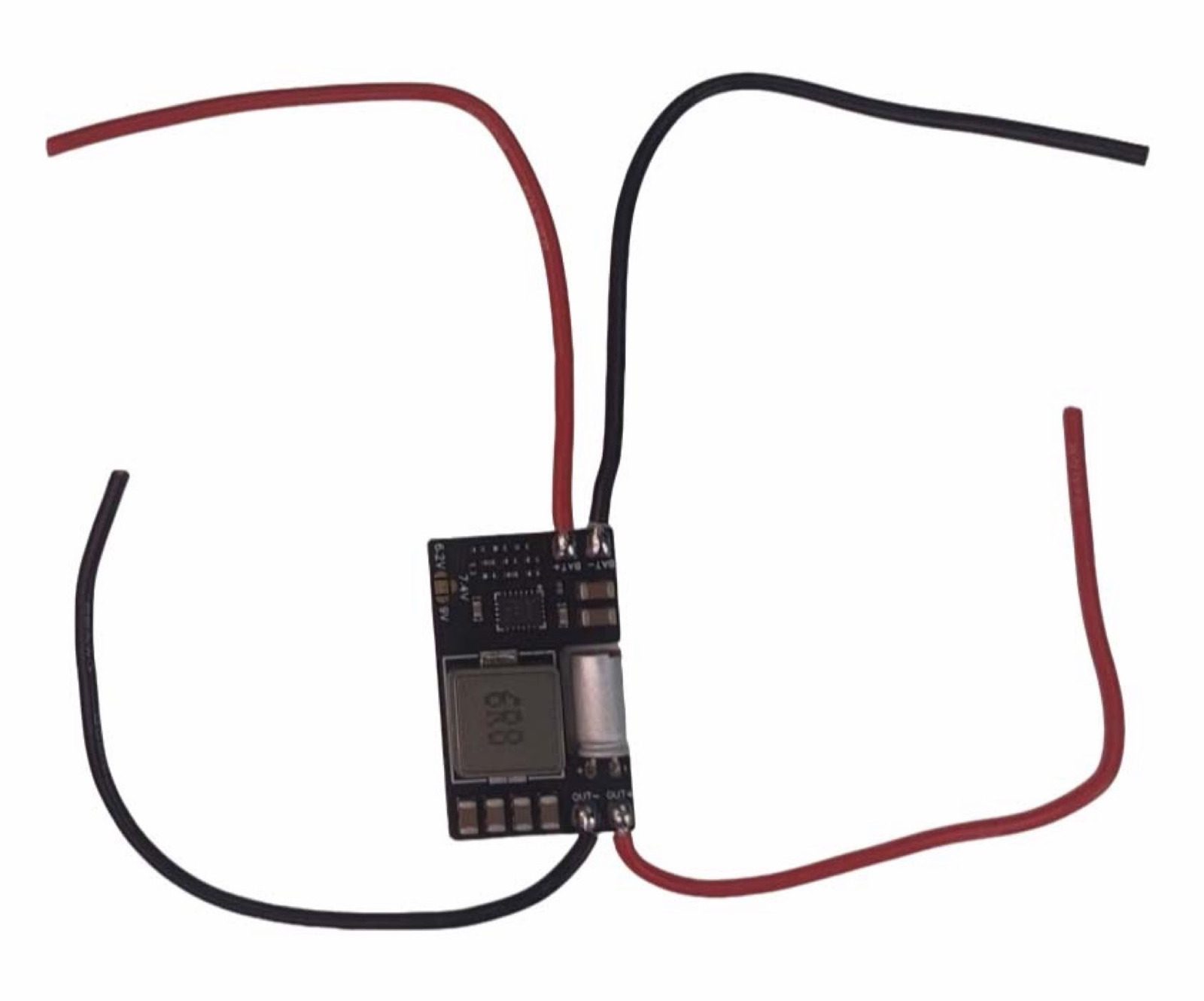
This assembled example shows capacitor and power-lead placement. Keep capacitor polarity and VIN/VOUT consistent with the board markings.
Dimensions & mounting
Check the published dimensions and connector clearance against your installation.

Original specification reference
View original reference sheets (1)
Original specification sheets are retained as a reference. Use the revision notices on this page when comparing sensor or configuration variants.
